
Unit 27 · Something someone uses
Week 28 · 45 minutes · 10th and 11th grade · your project, alone or in a group · as we planned it.
What you’ll do
At the start of the year it was said: in April, something someone uses. Not an exercise: something someone uses. Someone outside your team has already used your project, and your project changed because of what you saw. Today that version reaches the person who uses it, with two cards written by hand or dictated: how it’s used and what to do if it fails. And your team decides who maintains it, and until when.
The cards say what your project needs:
- a tool, an app or a digital game: what it does and how it’s used, in three steps, and its address if you publish it; who to tell if it fails and how to unpublish it; and an adult role at the school or in the program that maintains it, in program projects and accounts (or in your own account, only if the service’s terms admit your age and your family signed the addendum);
- a song, a podcast, a story or an image: what it is, how it’s heard, read or looked at, and who it’s for; what to do if it isn’t understood; and where it’s kept (your repository, the group’s folder) and where it was published, if it was;
- a simulation, an explanation or a real step: what it shows and what it doesn’t; what still isn’t known; and who could carry it on next year.
If the person can’t come today, you write the cards anyway, rehearse the handover with someone from another table and note on your card when the real handover will be.
Publishing on the web, if your team decided to
Today your project can go on the web for anyone to use: on Firebase Hosting, or on Vercel, Netlify or GitHub Pages, depending on what it needs and what your tool decision said. It’s published in program projects and accounts, unless you have your own account admitted by the service’s terms and consented to by your family. Before publishing, your team reads this list aloud and ticks each box:
- Your family signed the consent for this piece, and you say yes too.
- Your full name, the school and where you live don’t appear next to the work.
- The credits are visible: what’s yours, what the AI made, whose work you started from.
- There’s no key in the published code, and the database has its security rules switched on.
- If it saves anything about the person using it, a clear notice says what and why.
- If it gives money advice: the notice “this is not financial advice; for learning purposes”, in plain sight, with simulated money and no promise of returns.
An unticked box means “not today”: you hand over in the room and publish when the box is met. Before publishing you learn to unpublish, and you write it on your failure card: you or your family can ask for it to be taken down whenever you want, and it comes down that same day. And if your project isn’t published, it loses nothing: handing it over in the room is a complete result.
Why it’s worth it
Handing over isn’t finishing. It’s the moment when what you made starts to have consequences for another person, and when you decide how you answer for them. No machine does that for you.
How the session goes
- Anticipate. You recall what your project can’t solve (last week). You hear the example of a tool someone at school really uses, with a good how-to card and a weak one. You write what you think will happen in the first week.
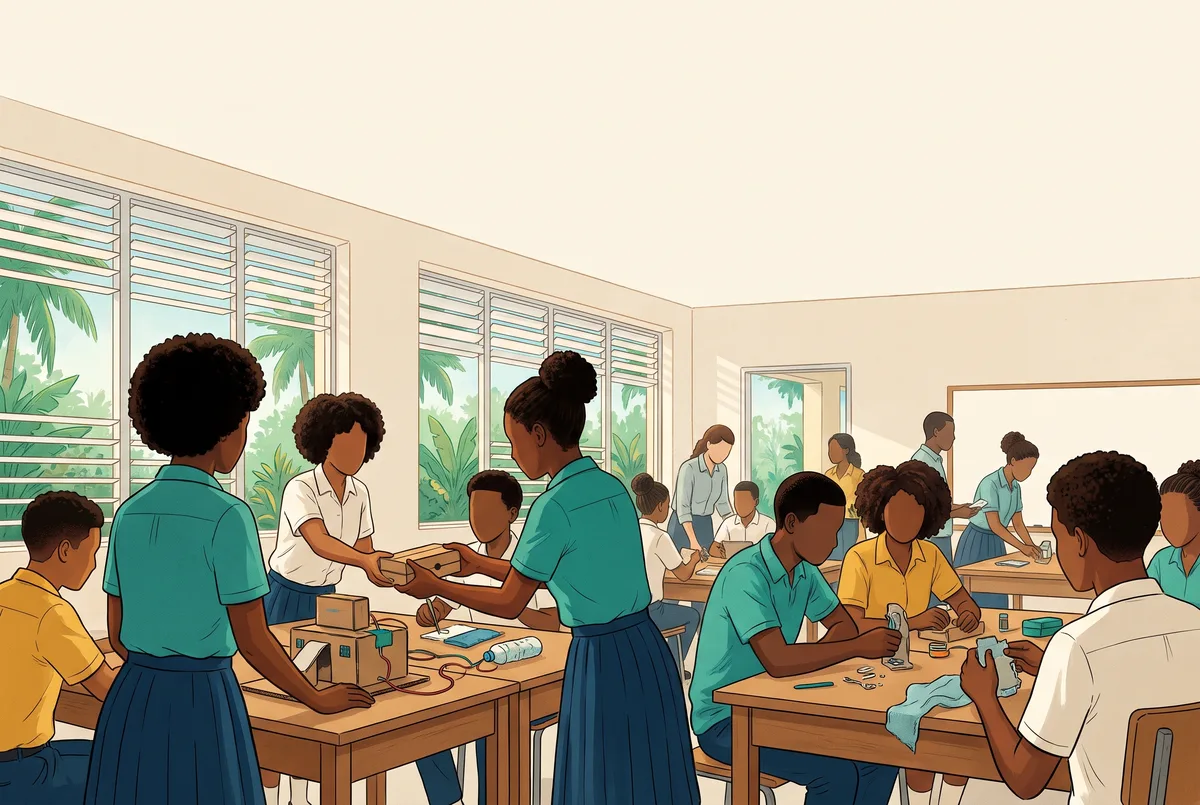
- Act. You write the two cards. If your team decided to publish, you first see on screen how to unpublish; then you read the list aloud, tick the six boxes, publish and write the address on the how-to card. If you don’t publish and a last adjustment is needed, you first count how many generations it justifies and check aloud that the card carries no one’s data. On the back of the how-to card go the credits: what’s yours, what the tool made and whose work you started from. Then the handover, table by table: you explain your project in two minutes and say where it failed while you were making it. Who maintains it is agreed in writing.
- Reflect. We vote with knocks on the table for the one that changed the most since the first version that could be touched, not the best one. You write on your card how your project changed in April. Did the instruction get better, or did the question get better? What did the AI decide here that a person should have decided? And we look toward June: what you made this year will be shown to people from outside the classroom.
No screens. Until you finish the two cards, no phone, no computer, no AI: you think, talk it over with your team, write or dictate, and decide before touching a device whether you publish or not, what final adjustment is needed and how many generations you’ll use.
If your project solved what the person needed without AI —a guide, a board, a template, a song sung live—, it’s handed over just the same, with the same criteria. It’s a complete result. In a group, each person explains the part they made and one decision they took; whoever doesn’t want to speak can hold the cards or show.
If your project is without AI, it lives its full April milestone, with the same cards and the same criteria. If its form is digital —a page, an app, a game, an audio file—, it’s published on the web just like the others, with the same checklist; in box 3, the credits say which techniques and tools you used. If its form is physical, its equivalent is an exhibition at the school, a portfolio or a physical archive, with the same consent. You make your final adjustment with your technique, within your materials and time budget, and in the listening you’re asked: what did you decide, and why?
The criteria, as questions
- C1. Can the person use it with just the how-to card?
- C2. Does the failure card say what to do and who to tell? (In 11th: does it also say what your project doesn’t do?)
- C3. Is it written down who maintains it and until when? (In 11th: can you defend that timeframe?)
What you hand over lives in program projects and accounts —or in your own account, only if the service’s terms admit your age and your family signed—, asks for no personal data and, if it saves anything, says so. Nothing is published without written consent for the piece.
Your first step
This week, without asking anyone’s permission: tell someone at home what your project handed over, and to whom.