Unit 25 · Used by someone who isn’t us
Week 26 · 45 minutes · 10th and 11th grade · your project, alone or in a group · as we planned it.
What you’ll do
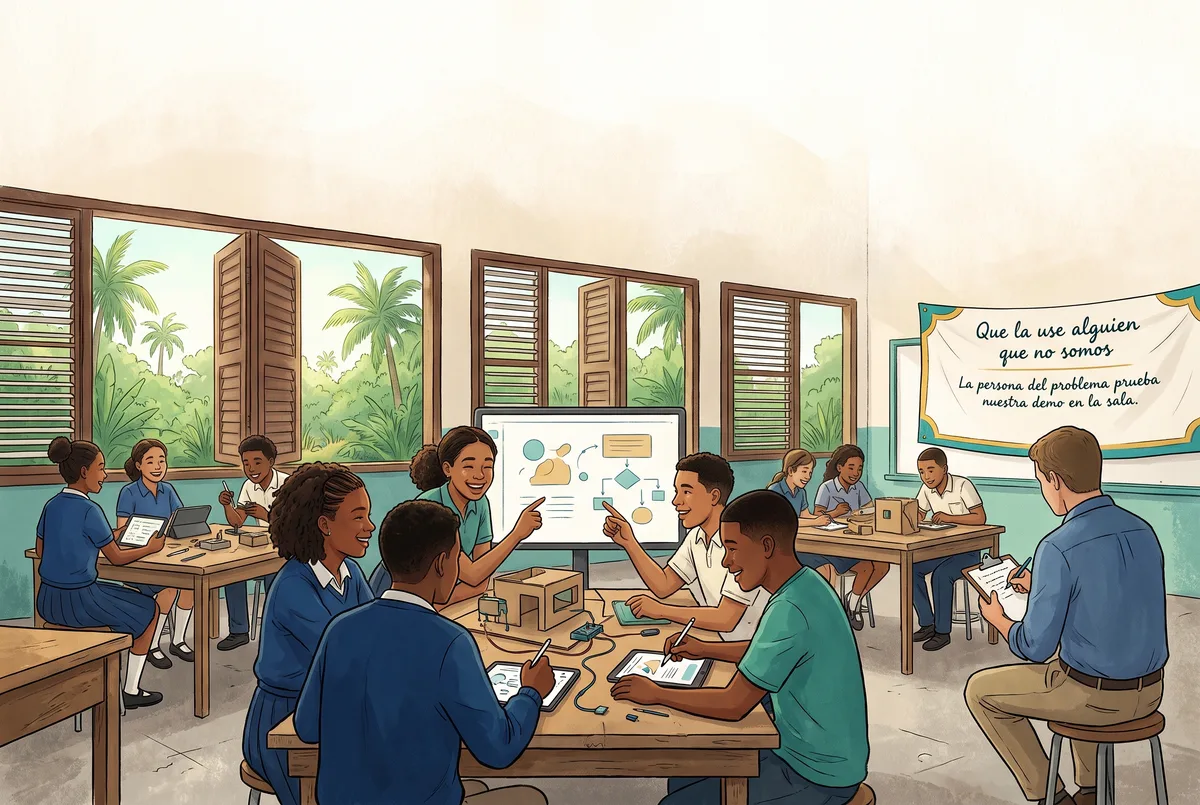
Your project leaves your team’s hands. Someone who isn’t on the team —the person you named, if the school lets them come, or someone from another table— uses your version in front of you. You watch, take notes and explain nothing. Then you make version 2.
This is your project’s April milestone: someone from outside uses it, and your project changes because of what was seen.
Why it’s worth it
Whoever makes something always knows how it’s used. Whoever receives it doesn’t. That gap is where almost all the mistakes live, and the only way to see it is to be quiet and watch. Today you practice the hardest part of making something for others: changing it for what happened, not for what you wanted to happen.
How the session goes
- Anticipate. You reread what you wrote last week about what the person would do and turn it into three predictions. The rule of the day: hands behind your back. No explaining, no pointing, no touching.
- Act. Two short rounds, with a timer and low volume. In one, someone tests your project; in the other, you test another team’s. While yours is being tested, someone notes what the person does, what they say and where they stop; if you work alone, someone at your table can note one of those columns. A screen gets tapped, a turn gets played, a minute of sound gets heard, a page gets read. If you only brought the drawing of the moment of use, the person goes through the drawing and you observe just the same. Then one minute of writing in silence, and version 2: every change has to point to something you noted.
- Reflect. Your predictions next to what happened. Did what you anticipated come out? Did the instruction get better, or did the question get better? What did the AI decide here that a person should have decided?
No screens. After the rounds, ten minutes with no phone, no computer and no AI: you compare your predictions with what you saw, discuss what to change and write the version 2 card by hand, with what you change by hand, what you do with the tool and how many generations it justifies. Then you run it.
Nobody records or photographs the person testing, and your version saves nothing of what they tap or type. They can leave whenever they want, without explaining anything.
What the AI decides, and what you decide
What changes in version 2 is decided by you, or your team: the machine doesn’t interpret what you saw. Before generating, you count how many generations the change justifies —sometimes a change by hand is enough— and you check aloud that the card carries no one’s data. In a group, each person notes what they observed and which change they decided.
If your project is without AI. You go through the same use test, with the same sheet and the same time. Your version 2 is planned on paper just the same and you build it with your technique —by hand, with materials, with digital tools without AI—; instead of generations, you count your materials and time budget. In the listening, the question for you is: what did you decide, and why?
The criteria, as questions
- C1. Did you note what the person did, or what you wanted them to do?
- C2. Does every change in version 2 point to something you saw?
- C3. Could they use it without you next to them? (In 11th: can you name something you didn’t change, and why?)
To get ready
Look at the secret message decoder and think: what would someone who didn’t read the instructions do with it? If you want to redo your instruction calmly, there’s the assistant for creating.
On your way out, you write the milestone line on your card: “In April someone from outside used it, and my project changed like this: ___”.
A perturbation you see coming isn’t one. If you haven’t lived this Unit yet, don’t open it.
Reveal this Unit's perturbation
This time there’s no envelope. The perturbation is the real use: the person testing will do something your team didn’t foresee —tap where they weren’t supposed to, skip a step, understand something else— and you’ll have to decide again with what you saw. If at any point your team gets stuck or someone isn’t OK, the Learning Facilitator ends the observation for you and you work with what you already noted. No explanation and no cost.