

Unit 04b · AI on your own computer
Week 6 of the program, if it runs · 45 minutes · 10th and 11th grade · every project, alone or in a group.
Before you come
You take home the “My computer and my model” sheet at the end of Unit 04. With someone at home you fill in only part 1: how much memory the computer has, which processor or chip, which system and how much free space. It’s only read: nothing gets installed, nothing gets downloaded and no account gets opened. Whatever you can’t find, you leave blank. If there’s no computer at home, or you’d rather not fill it in there, you fill it in in the room, on one of the program’s computers.
What you’re going to do
There are programs that run an AI model inside the computer, with no internet and no account: what you write never leaves the machine. Today you learn to choose one for your project. You read what your computer can do, choose two models from the program’s list using four criteria, give them the same request and decide which one stays, with reasons. What you decide goes on your project card, as part of your tool decision from Unit 04.
Why it’s worth it
Model names change every few months. What doesn’t change is how you choose: does the program support it? Does it fit on my computer, with room to spare? Does it do what my project needs? Does it work well in my language? If you learn to ask that, you’ll choose well next year, from a different list. And before your project uses AI for the first time, you already know what leaves your computer, what doesn’t, and who agreed to what.
How the session goes
- Anticipate. You hear what this program is and what it isn’t, and what it honestly promises. You see a worked example: a computer invented for the class, which models fit on it and which one doesn’t. You write what you think your computer can do.
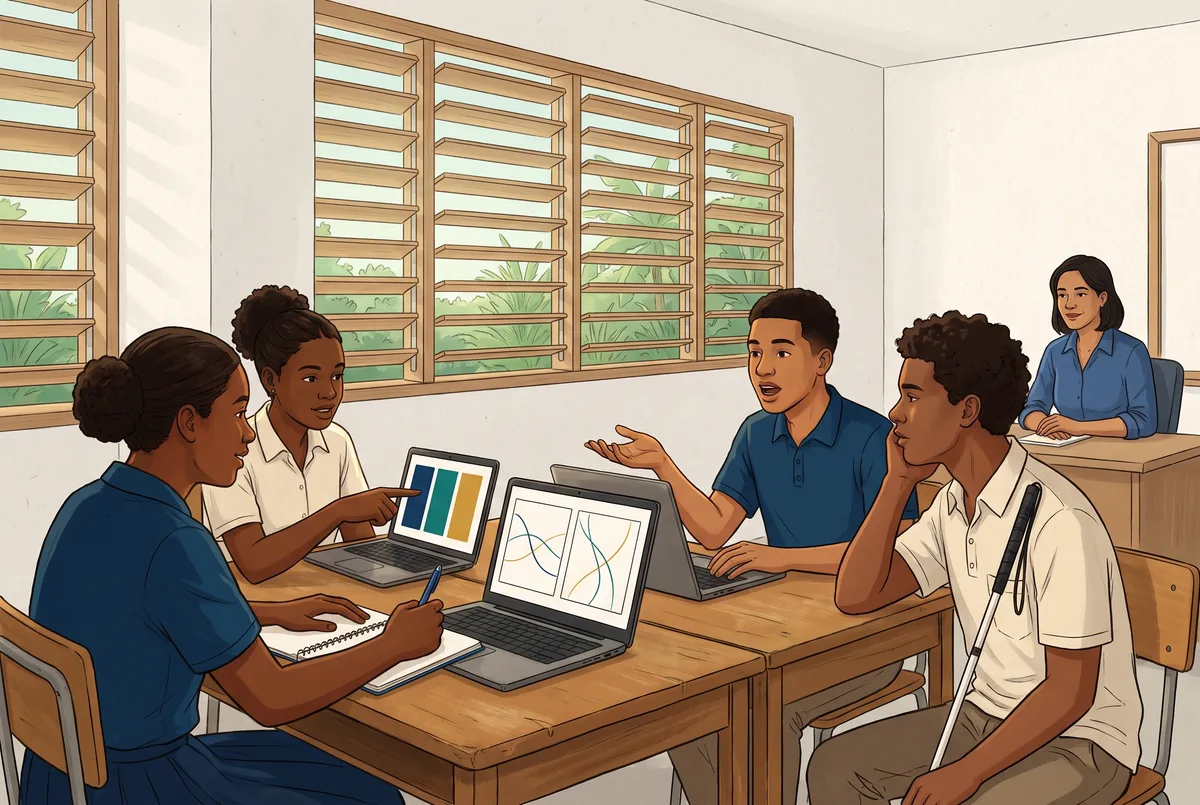
- Act. In pairs, you confirm what you read at home; one person reads aloud and the other takes notes, then you swap. No screens, with the printed list, you apply the four criteria, choose two candidates and write the request you’re going to give them. On one of the program’s computers you see who installed it, what was left switched off and why. Then the comparison: the same request to both models, with the clock running, and you note speed, language and mistakes.
- Reflect. “Did what you expected come out?” You say a rule in your own words: local, for building and testing; whatever gets published, through the program’s gateway. And you record your decision.
- No screens. From the list to the written request, nobody uses a phone, a computer or AI. You decide on paper what you’ll do with technology and how: which two models, which request and how many requests.
The criteria, as questions
- C1. Does your choice stand on what your computer really has, with the margin worked out?
- C2. Does what you chose do what your project needs, checked with the same request, not just read on its information sheet?
- C3. Can you say what leaves your computer and what doesn’t, who accepted the terms and what was left switched off?
If your computer isn’t enough
If your computer doesn’t support the program, if you don’t have a computer or if you don’t want to use it, you do the whole Unit on one of the program’s computers, with the same comparison. Knowing that your computer isn’t enough, and why, is a result too. And your project will be able to use the program’s gateway when it arrives, in Unit 14.
If your project is without AI
You take the same route with your method: you read your computer or your materials, choose between two tools or techniques without AI using the same four criteria, do the same task with both and decide, with reasons. With the same time and the same attention as any other project. The question for you is: what did you decide, and why?
Careful
You never install anything or accept terms: an adult from the program does that. Only the models on the program’s list are used. These models don’t have a company’s filter: that’s why they’re used in the room, with the person guiding the session present, who reads every answer before your table does. In the request, no one’s name, data, photo or voice. When you finish, the conversations on the program’s computer are deleted.
A perturbation you see coming isn’t one. If you haven’t lived this Unit yet, don’t open it.
Reveal this Unit's perturbation
The envelope, read aloud to everyone, just before comparing: “From now on, this room has no internet. Before you touch anything, write: is the comparison going to work? Yes, no or I don’t know, and why.” And then you check.
If the perturbation gets your table stuck, carry on as you were. That’s fine.
This is a plan: the Unit hasn’t run yet, and it runs only if the program confirms this route.