
Open to every tool and environment
Participants may employ any publicly accessible AI model, software ecosystem, or physical building material. No participant is locked into a single platform or vendor.
aiLearning Challenge · Open Collaboration
The aiLearning Challenge is open to every technology and platform — including the choice to compete through Natural Intelligence without AI. Within this open arena, Microsoft collaborates openly to expand access, provide six free tools starting November 15, 2026, and support teams in using them with intellectual rigor and genuine agency.
From independent formulation in Phase 0 to live defense in Phase 4, AI serves solely as an instrument while reasoning belongs to the participants.
Openness & Technology Neutrality
The aiLearning Challenge is built on technological neutrality and universal access. Teams are completely free to choose the tools that best serve their thinking, experiment across platforms, or compete without artificial intelligence.
Participants may employ any publicly accessible AI model, software ecosystem, or physical building material. No participant is locked into a single platform or vendor.
Teams or individual participants who choose to solve the challenge entirely without AI participate under the declared Natural Intelligence mode, evaluated under the exact same standard of human creativity, rigor, and defense.
To eliminate economic barriers and ensure equity, Microsoft makes six specialized tools available at zero cost for all challenge participants, accompanied by official self-paced learning paths.
Every tool is integrated under a structured learning process that emphasizes critical questioning, problem framing, and verifiable understanding over automated shortcuts.
Pedagogical Architecture
A clear structural boundary governs the challenge: independent human thinking establishes the foundation before any artificial intelligence is introduced. Technology accompanies the learning process, never replacing it.
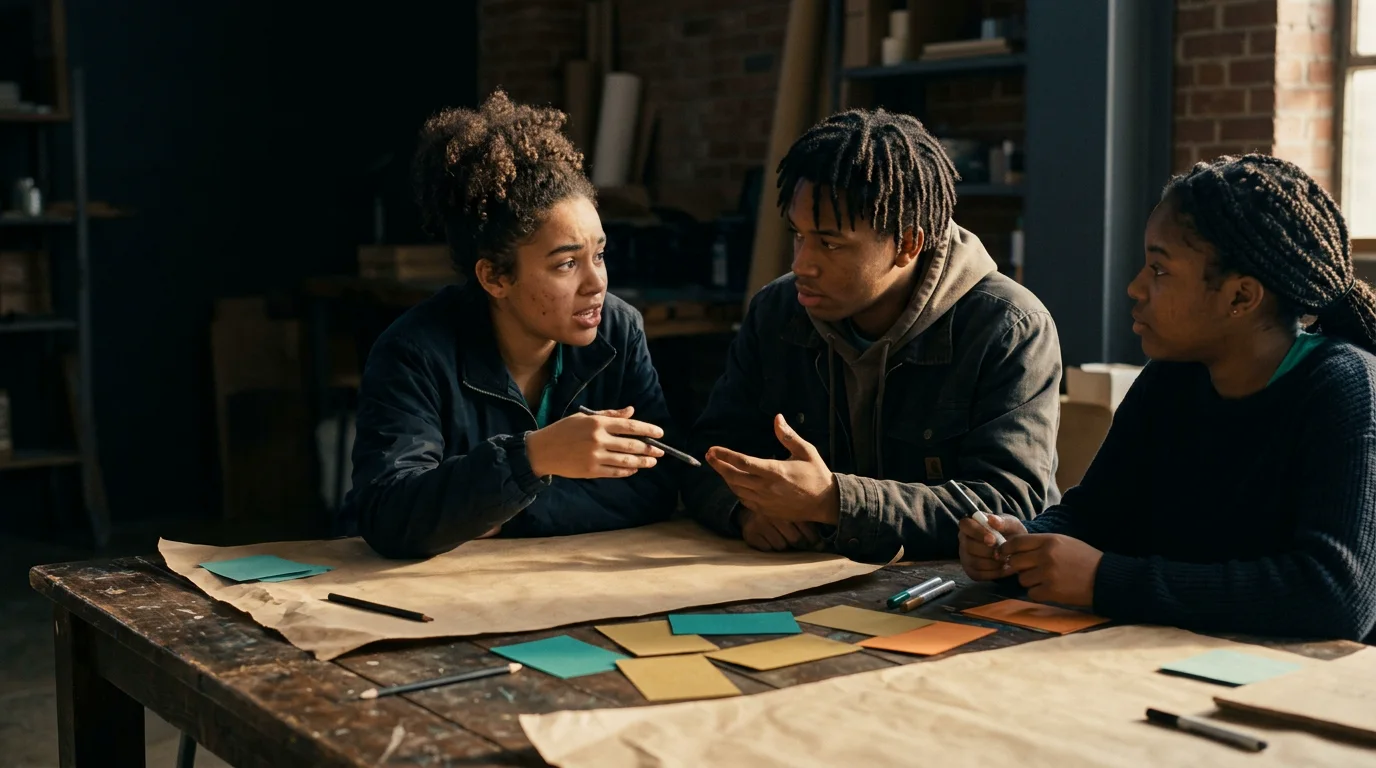
Focus: Problem Framing & Independent Reasoning
Participants unpack the challenge brief, investigate context and real-world constraints, debate perspectives, reason through trade-offs, and establish their core thesis manually or with basic non-AI tools. The Human-First Window guarantees that thinking happens before generation: AI is never used to read the brief for the team or replace human judgment.
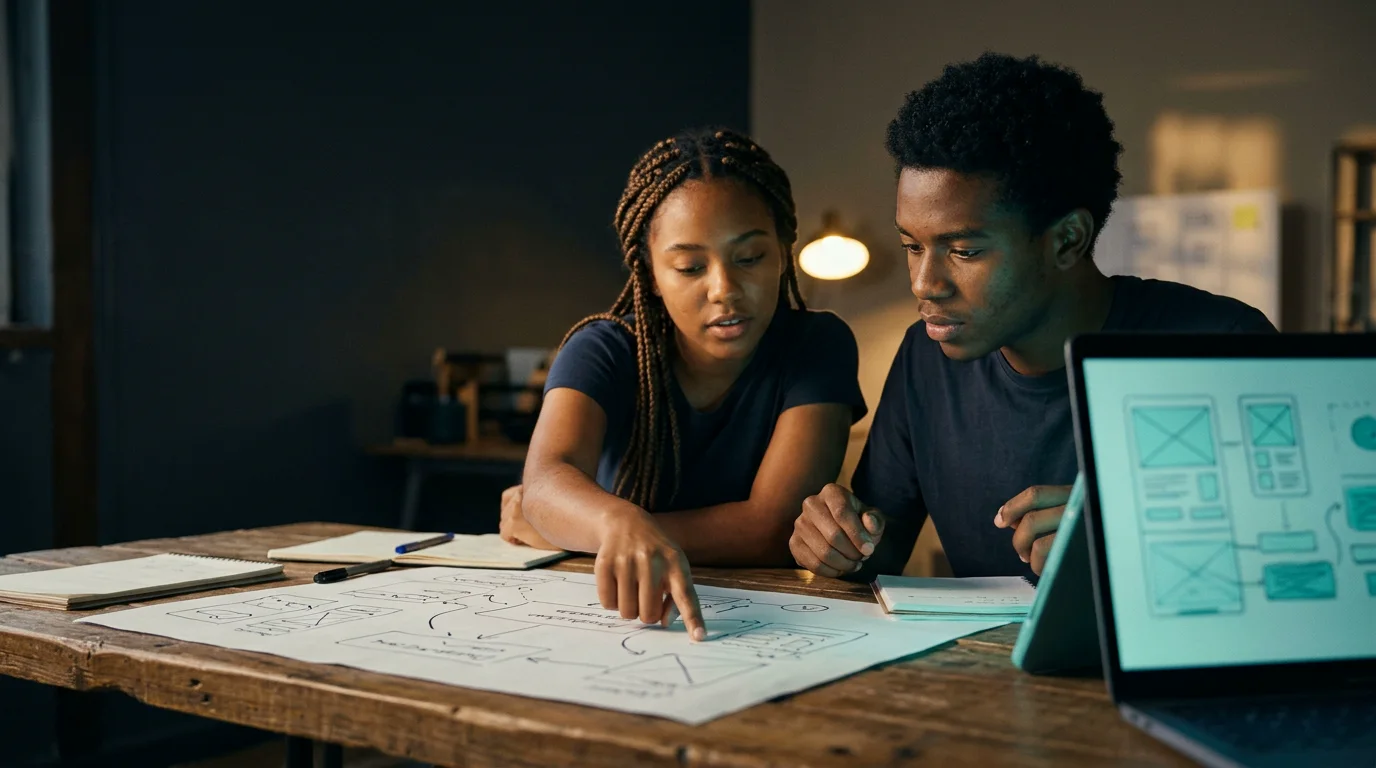
Focus: Critical Stress-Testing & Assumptions
Only once the team fully owns its problem formulation does AI enter the workflow. Participants use AI to stress-test their premises, uncover unexamined blind spots, analyze edge cases, and confront counterarguments. The tool acts as a critical sounding board, not an author.
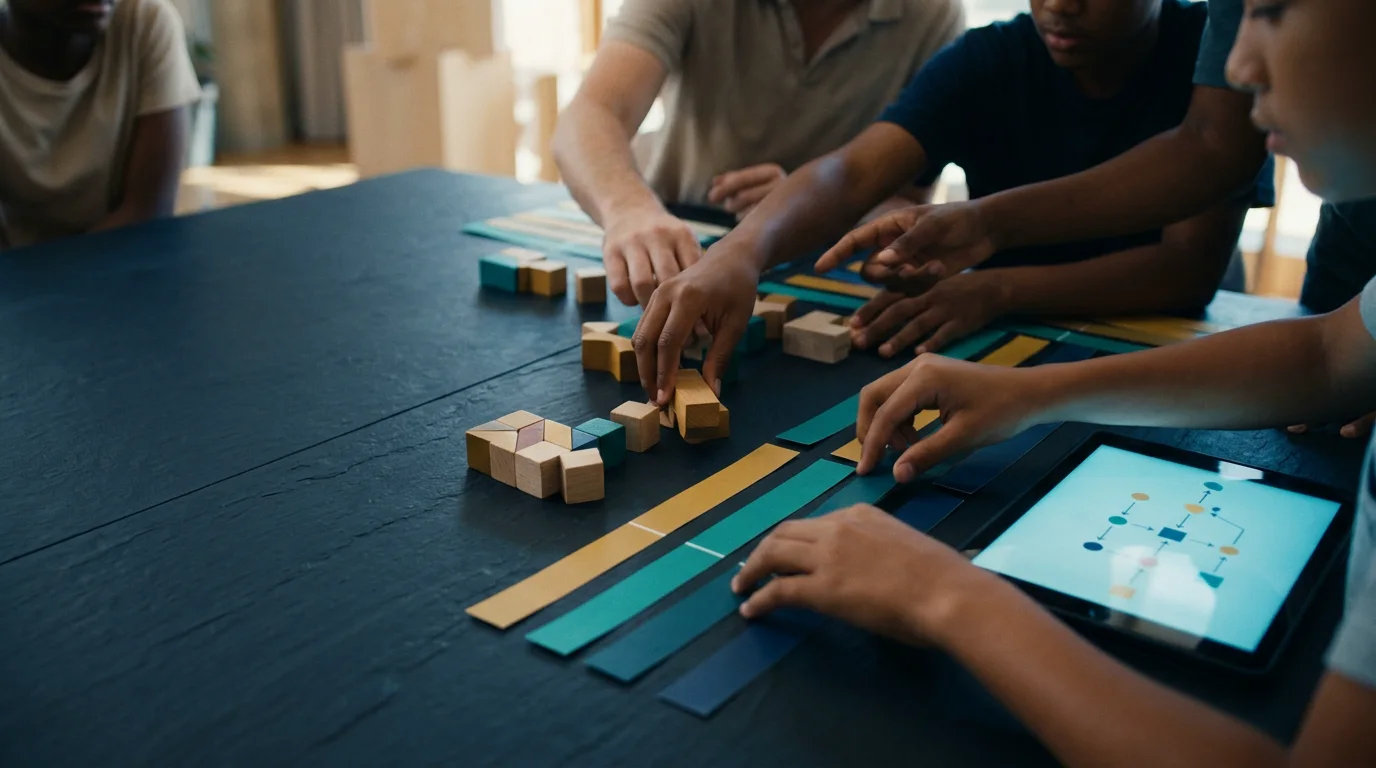
Focus: Workflows, Milestones & Decision Log
Teams translate concepts into actionable execution pathways. They organize responsibilities, define verifiable milestones, research underlying technical and social foundations, and document their design trajectory in the Decision Log, recording what was considered, what was iterated, and what was discarded.
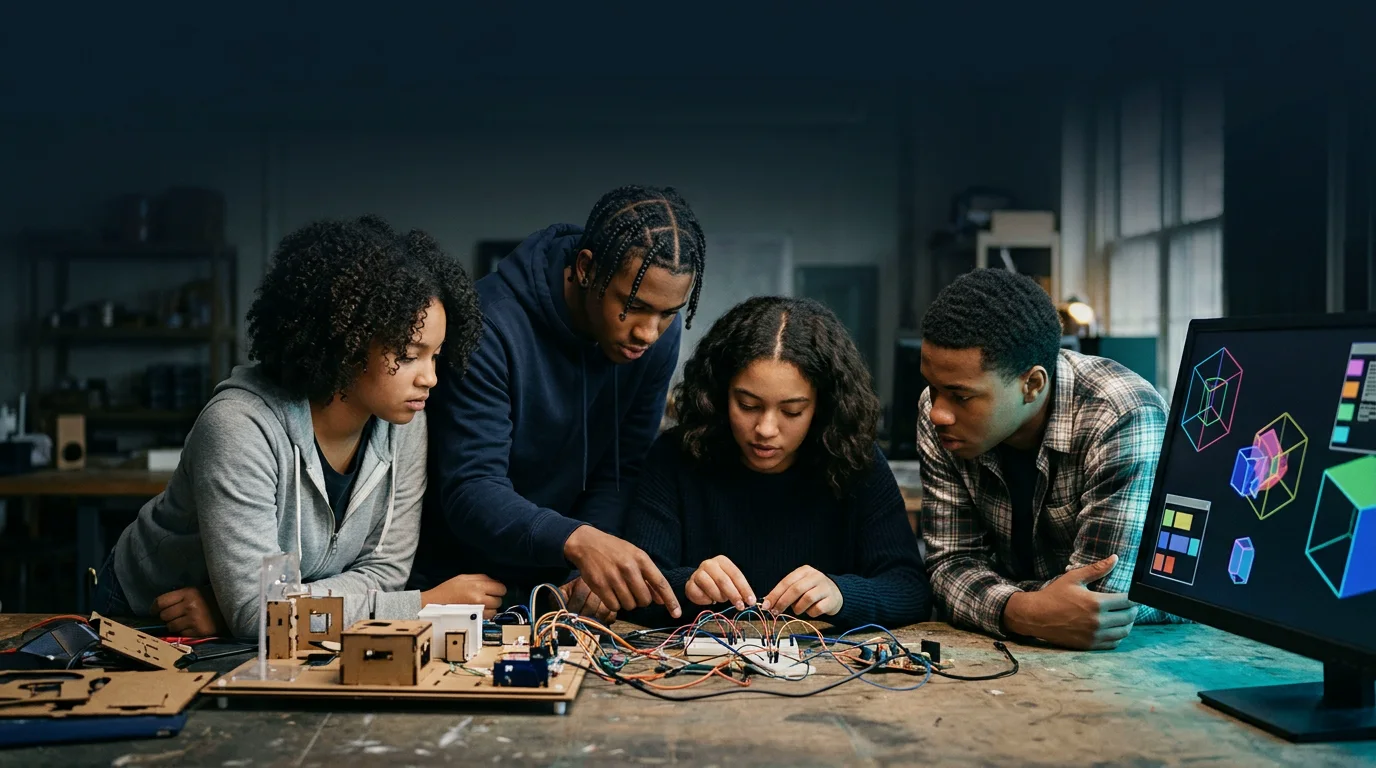
Focus: Functional Prototype & Iterative Craft
Execution of the core deliverable: designing interfaces, building software or cloud services, modeling 3D spatial environments, or crafting comprehensive civic proposals. Teams apply AI iteratively to accelerate prototyping, test variants, and refine details while maintaining strict human ownership of the result.
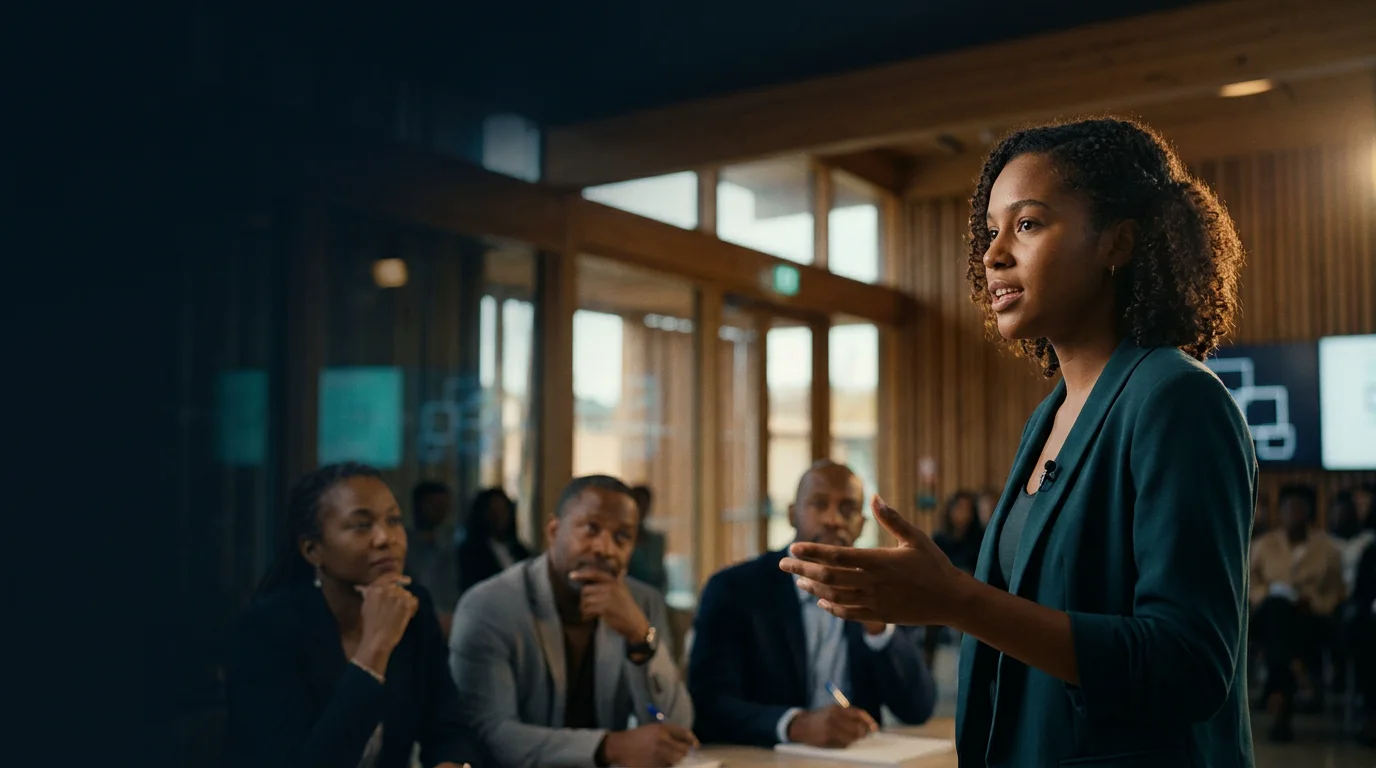
Focus: 3-Minute Live Defense & Questioning
Teams present their creation, explain their decision path, and defend their trade-offs live before the jury during a rigorous 3-minute presentation. In the Live Defense, participants speak directly without slides reading or AI assistance: they demonstrate genuine mastery over what they built.
Process counts alongside product: a team that cannot explain its choices did not make them.
Free Tools · Available November 15, 2026
Starting November 15, 2026, Microsoft provides full, zero-cost access to six powerful platforms, mapped precisely to the learning phases where they add genuine pedagogical value.

Safe inquiry, conceptual exploration, and active learning coaching
A secure conversational environment with safety, ethics, and privacy safeguards designed for education. Includes the Study and Learn Agent, an active cognitive coach that helps participants review key concepts, formulate probing questions, test their own comprehension, and brainstorm structured ideas without preempting their own thinking.

Integrated drafting, data structuring, and presentation design
An integrated copilot experience directly embedded within Word, Excel, and PowerPoint for adult participants. Helps teams synthesize extensive research notes, organize numerical data and analytical spreadsheets, and construct clear presentation outlines within their primary workspace, keeping focus on core arguments.

Specialized challenge coaches and custom agent creation
Teams have access to three optional Challenge-specific agents built to scaffold their workflow, plus the ability to create their own custom agents for their specific challenge theme:
Three built-in guidance agents:
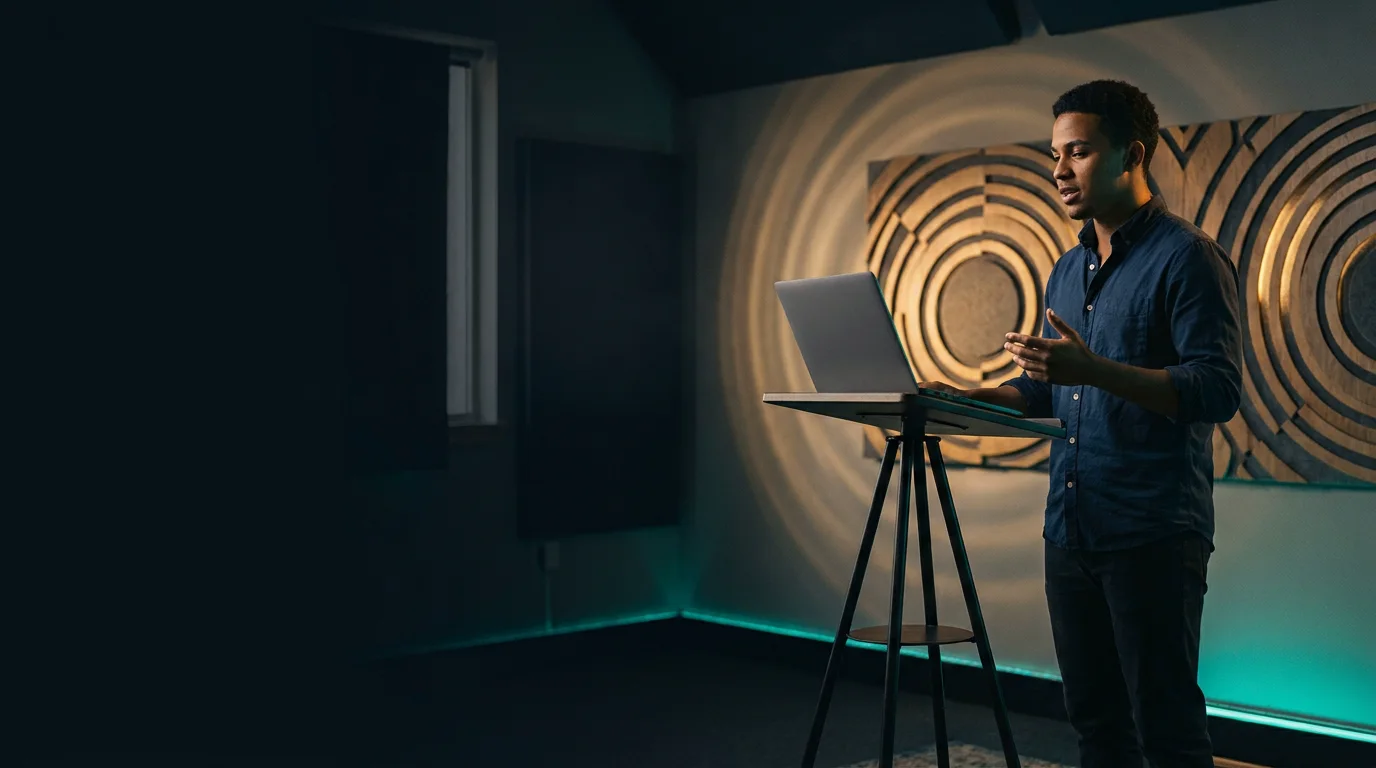
Real-time private rehearsal feedback for a confident live defense
Private, real-time coaching while rehearsing presentations in PowerPoint. The system analyzes oral delivery to ensure teams present with poise, clarity, and authority in front of the jury within their strict 3-minute window.

Spatial 3D simulation for civic, urban, and ecological challenges
An immersive 3D simulation canvas for teams addressing sustainability, urban mobility, coastal protection, disaster preparedness, or community spaces. Participants construct dynamic architectural models, simulate environmental impacts, and test spatial interventions collaboratively.
Cloud services, app hosting, and collaborative code repositories
Cloud infrastructure for teams with software development experience who want to deploy a functional web application, API, or automated workflow. Available with zero credit card requirement, providing instant access to cloud runtimes and version-controlled team collaboration.
Take Part
Discover how your school or team can participate, explore free tools starting November 15, and learn more about the pedagogical foundations behind the competition.
The aiLearning Challenge is an initiative of aiLearning.global, CEMI.ai and CEMI Labs — created by Carlos Miranda Levy, applying the Smoother learning methodology. Microsoft collaborates openly by providing access to tools and technical documentation.
Comprehensive AI learning designed for educators, by educators. From awareness to mastery.